
Posted At: 17-Nov-2025 - 883 Views
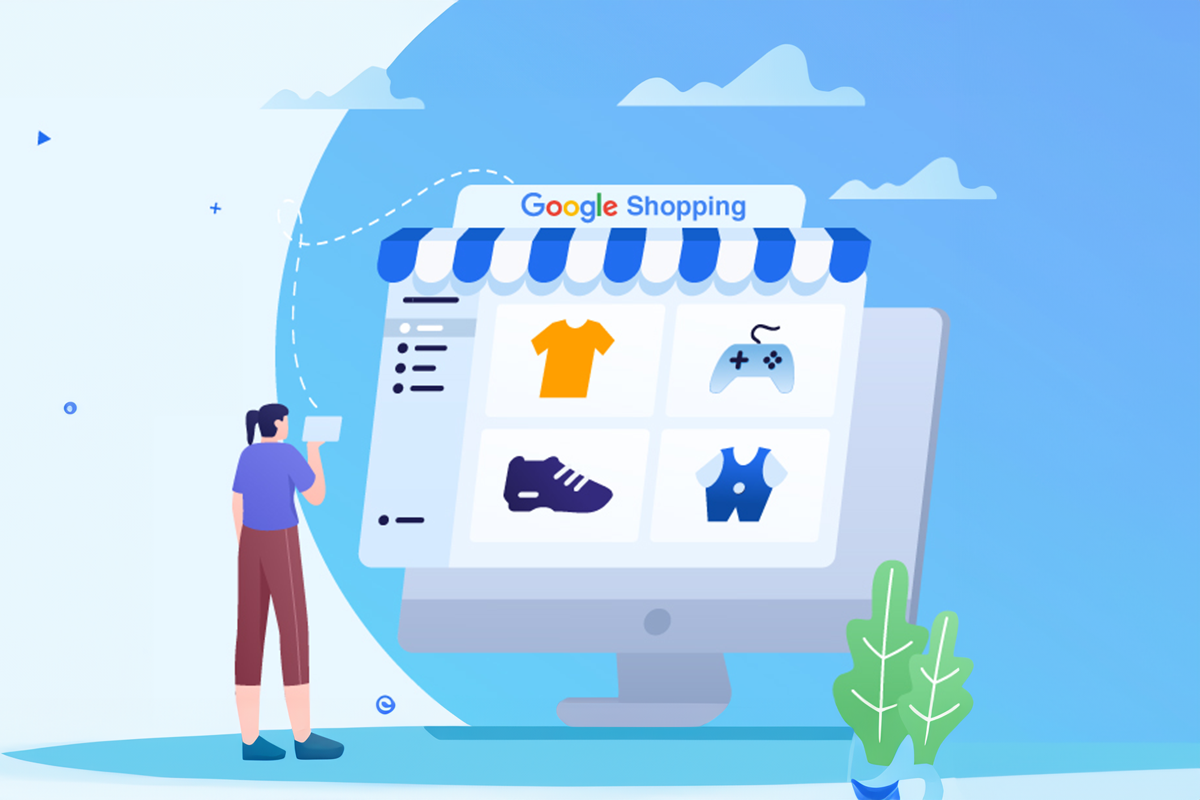
Businesses across the world continue to adapt to a digital-first environment. While some industries slowed down during global disruptions, online commerce gained massive momentum. As more people shifted to online buying, brands discovered new ways to reach customers, and Google Shopping Ads became one of the most powerful tools to support this shift.
Google Shopping Ads allow businesses to showcase products visually, reach high-intent buyers, and appear across multiple Google surfaces—all without complex setup. With the rapid rise of digital shopping behavior, these ads have become essential for boosting product visibility and driving sales.
This article explains how Google Shopping Ads work, the different types available, and smart strategies you can use to grow your online store.
What Are Google Shopping Ads?
Google Shopping Ads are product-based ads that appear across Google Search, YouTube, and the Shopping tab. They display product images, pricing, and store details directly to shoppers who are already searching for similar items.
These ads pull information from your Google Merchant Center feed, so whatever details you provide—title, price, image, and availability—help Google show your product to the right audience.
Because they are visual and highly targeted, Shopping Ads help businesses attract more qualified traffic than traditional text ads.
Types of Google Shopping Ads
Different businesses need different ways to present their products. Google offers multiple ad formats to suit your goals:
1. Product Shopping Ads
These ads showcase individual items using data from your Merchant Center feed. They are ideal for highlighting single products with high-quality images and clear details.
2. Showcase Shopping Ads
These allow you to group related products together. Shoppers can browse a collection before selecting the exact product they want. Great for categories and broader searches.
3. Local Inventory Ads (LIA)
Perfect for local businesses. These ads show nearby product availability and send users to a “local storefront” with store hours, stock, and directions.
4. TrueView for Shopping
These combine product ads with YouTube videos. Users can watch videos and explore product cards directly from the video ad.
5. Smart Shopping Campaigns
These campaigns automate bidding, placements, and targeting to maximize conversions using Google’s machine learning.
Benefits of Google Shopping Ads
a) Higher Traffic and Better Visibility
Shopping ads appear at the top of search results, making them more visible than standard ads. Rich visuals instantly attract shoppers’ attention.
b) Wider Customer Reach
Google automatically matches your products with related searches, helping you reach customers you may not have targeted manually.
c) Higher Return on Ad Spend (ROAS)
Shopping ads usually deliver stronger returns because they target shoppers with high purchase intent.
d) Easy Optimization
Your product feed can be updated anytime. Better images, cleaner titles, and updated pricing can instantly improve performance.
How Google Shopping Works
Google Shopping uses your product feed to match your items with user searches. It analyzes your titles, images, categories, and attributes to decide when your product should appear.
Because merchants update information regularly, Google can show shoppers accurate details like stock, price, and offers. This makes the experience trustworthy and smooth.
How to Make Google Shopping Ads Work for You
1. Use High-Quality Product Images
Use clear, bright images with clean backgrounds. Avoid borders, logos, or text overlays.
2. Follow Google Shopping Policies
Accurate product data, clear pricing, and updated inventory are mandatory for running shopping ads.
3. Set Up Google Merchant Center
A Merchant Center account is required to manage and upload your product feed.
4. Create and Upload Your Product Feed
Upload product details manually or through automated tools. Ensure titles, categories, and descriptions follow Google’s standards.
5. Link Merchant Center to Google Ads
This connection allows Google to use your product data to run ads.
6. Configure Campaign Settings
Set your:
- Country of sale
- Inventory filters
- Bidding strategy
- Daily budgets
- Priorities
- Location targeting
7. Launch Your Ads
Choose delivery settings and publish your campaign.
Smart Strategies to Increase Sales with Google Shopping Ads
- Start product titles with the most important keywords.
- Use detailed yet simple product descriptions.
- Choose the right category to help Google understand your product.
- Optimize your product images for clarity and accuracy.
- Add relevant extensions for more information.
- Encourage reviews and ratings to build trust.
- Use negative keywords to avoid irrelevant searches.
- Adjust bids based on location and performance.
- Increase bids for best-selling items.
- Use remarketing lists to reach past visitors.
Conclusion
Google Shopping Ads offer businesses a powerful way to increase visibility, attract targeted traffic, and boost sales. By following the right setup process, optimizing product data, and using smart strategies, any brand can grow effectively in today’s digital marketplace.